Presentation is in 2 parts. There’s the global configuration of a theme style and global options and the usage of an instance as a block on a page or post.
Configure the global settings for the use of the Photo Gallery across the website and add local block specific alterations from this.
Global Settings
The global settings for the Photo Gallery plugin are obtained by clicking on the sub-menu items for the Photo Gallery in the left hand black menu. either click on the Photo Gallery entry to reveal the sub-menu items or hover over the text if you are using a mouse or trackpad.
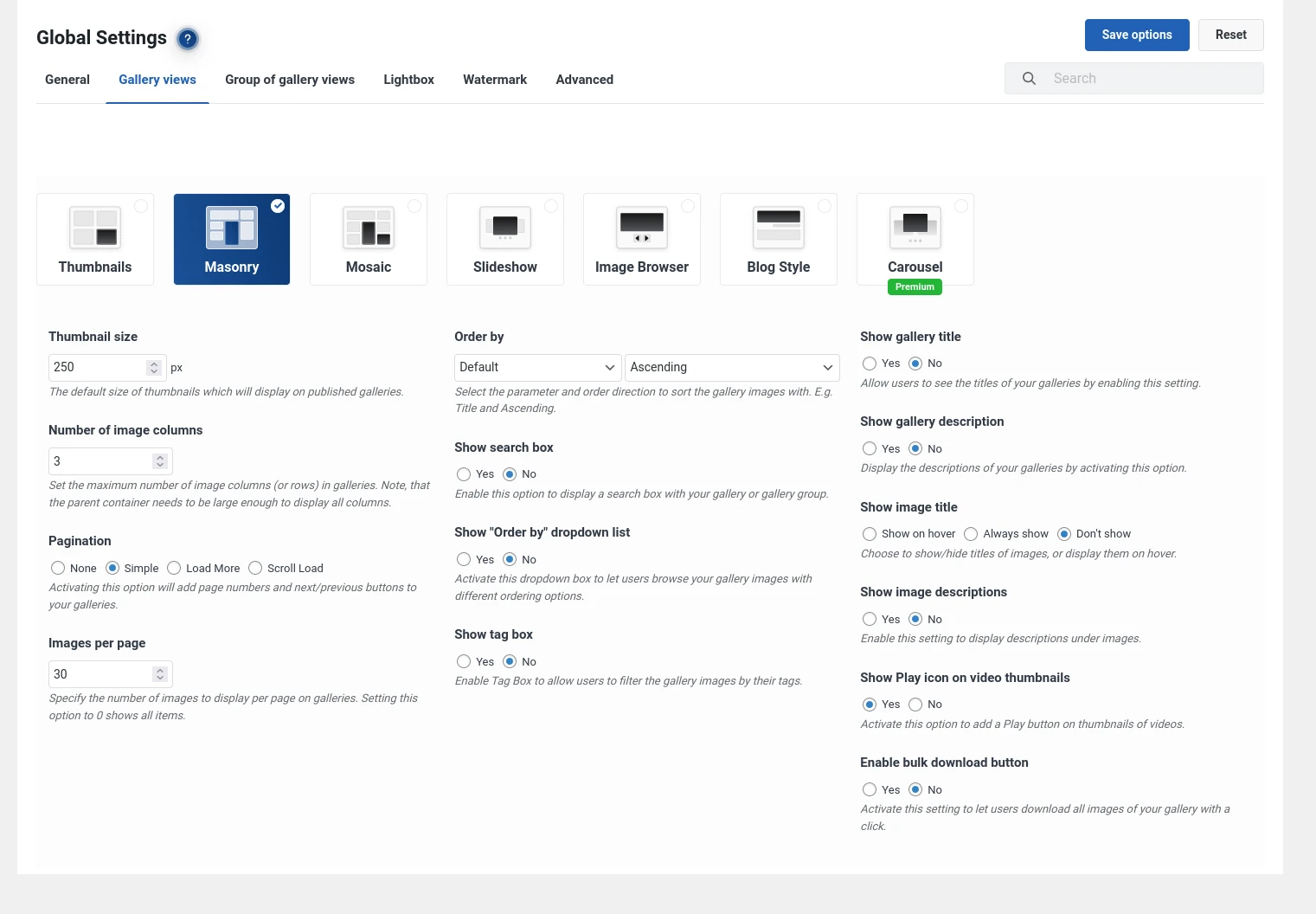
Shown above are the global settings.
Global Theme Settings
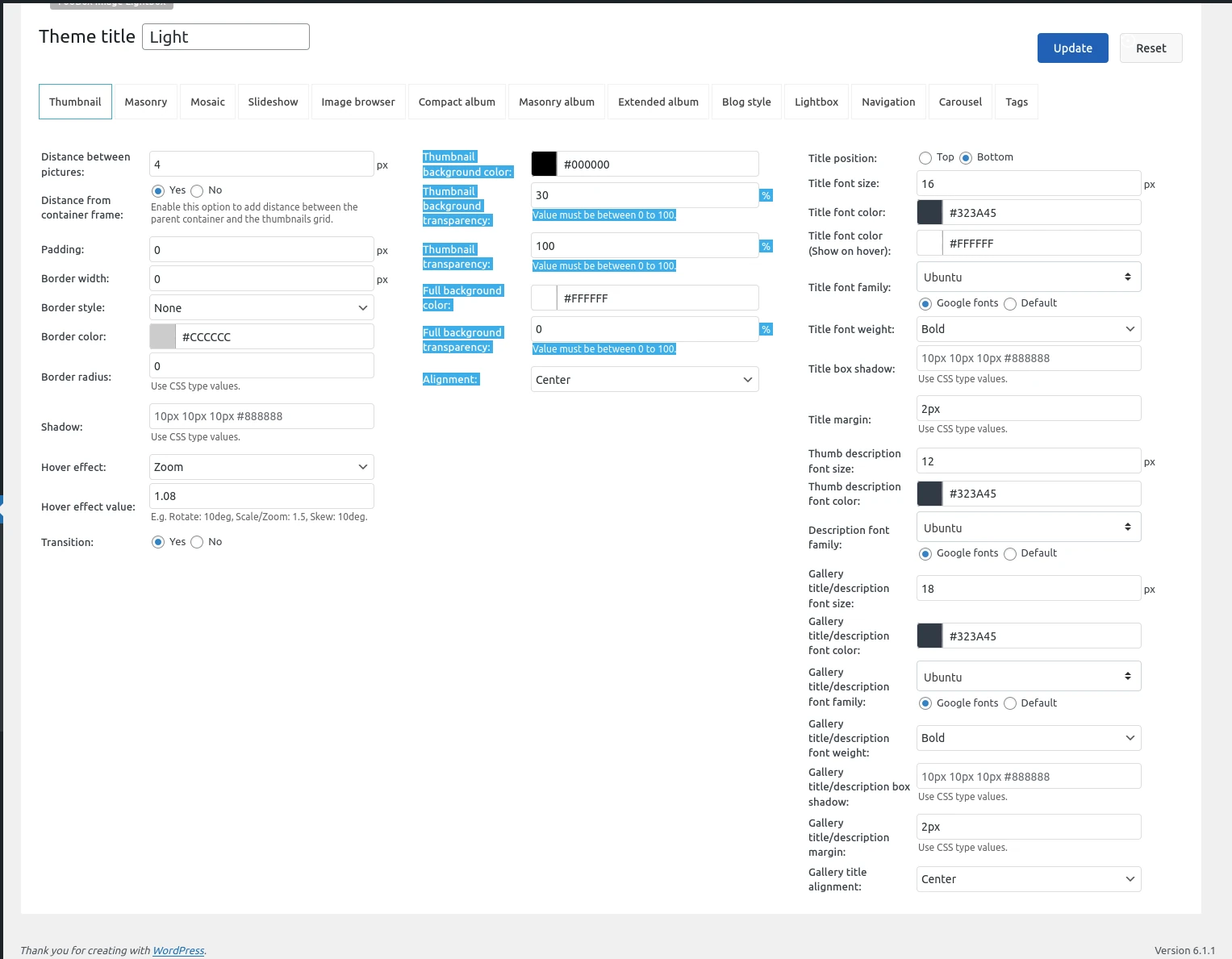
The default options are for a light or dark theme. Below are shown the settings as given for the Light theme option
If you are looking for consistency across your website then configuring the global settings is the route to follow.
On-page Block Options
When the Photo Gallery block is added to the page, or post, select your style of presentation from the options across the top: Thumbnails, Masonry, mosaic, etc..
Ensure the option Use default options is ticked to use the settings which you had previously configured under the global and theme options.

Unticking the Use default options checkbox shows a presentation similar to the one given under global settings. customise your options for this instance of the gallery.


