Plugins add icons and content to the top bar in the WordPress post and page editor. These can be overwhelming, fighting for space.
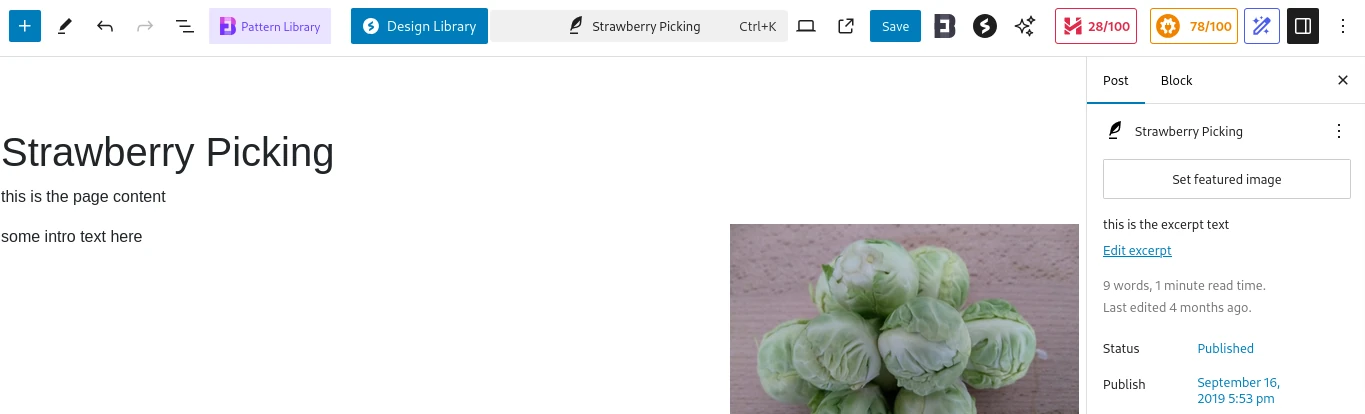
Have you searched in the settings for the related plugins and searched for options under the preferences accessed from the 3 dots in the top right hand corner, all without success?

If you click on the item there’s an option to unpin! In the image above I’ve clicked on the orange All in One SEO stats icon to show a popup of options. Clicking on the black icon with a white star offers the option to unpin the icon from the top bar.
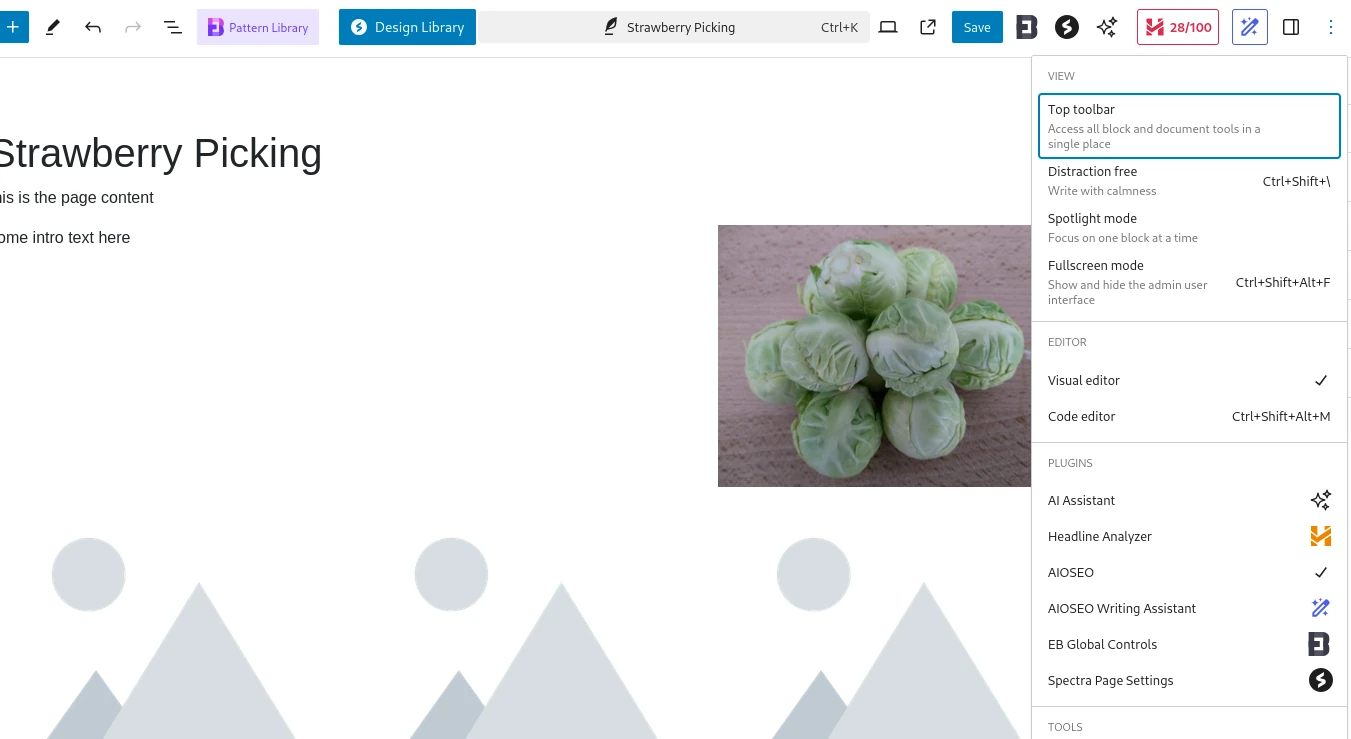
In the above image the orange AIOSEO icon has been removed. Clicking on the 3 vertical dots at the right hand end of the row shows options available.
Within the associated popup right hand block of options is the section for plugins. Here the plugins are listed. Clicking on one will show relevant options, including, if appropriate, an option to pin the entry back on the top bar.


