Modify the WooCommerce catelogue ordering to sort using your own custom field.
Rather than taking the products by alphabetical order, or whatever, I wanted to be able to fine tune the ordering and be more specific.
I chose to add a custom field to the WooCommerce shop products. This would then be used as my sort argument.
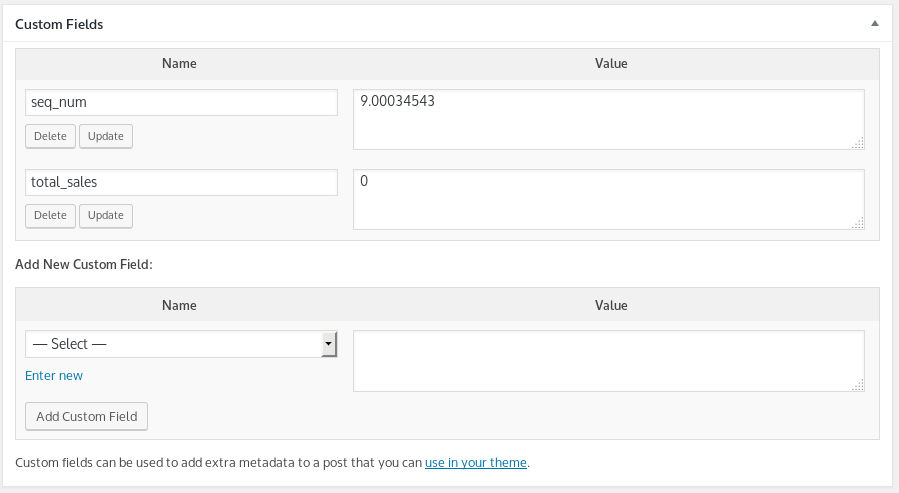
Shown in the image above is the extra field called seq_num. To fit products in between each other the number given can be to a fine graduation.
To give the custom ordering based upon the custom field value I tweaked the WooCommerce function woocommerce_get_catalog_ordering_args.
Here’s the addition to the functions.php file
add_filter('woocommerce_get_catalog_ordering_args', 'woocommerce_get_custom_ordering_args');

function woocommerce_get_custom_ordering_args( $args ) {
$args['order'] = 'ASC';
$args['meta_key'] = 'seq_num';
$args['orderby'] = 'meta_value_num';
return $args;
}


