When creating your new MailChimp campaign don’t forget to create links for your email addresses.
One of your actions in your MailChimp campaign maybe to contact you by email. Far better to open this as a new email when the recipient clicks on the email address.
Additional actions can become blockers preventing one of your campaign subscribers from following up on your email.
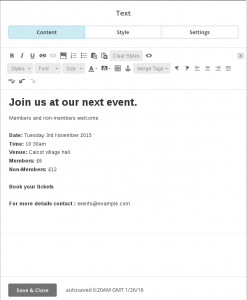
The image above illustrates the body content for a new MailChimp campaign.
At the bottom of this campaign is an email address, events@example.com. One of our goals within this campaign is to receive emails to this address.
However, as shown, clicking on the email address will do nothing. To email the event organiser the prospective visitor must copy the email link into a new email.
There is a chance that this additional action will discourage that action by our mailing list subscriber.
It would be nice if by clicking on the email address our email client would open a new email.
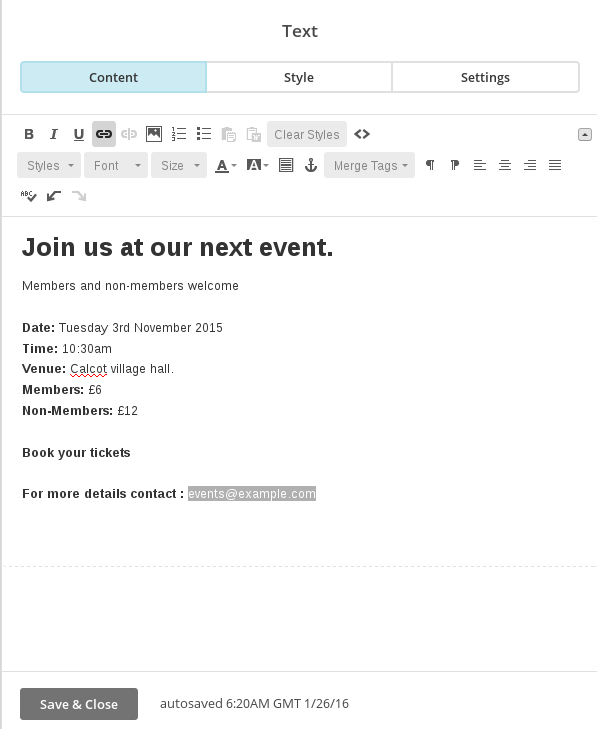
In the body text highlight the email address and click on the link icon. Its the chain icon shown highlighted with a grey background. (Top row of icons, 4th item).

Clicking on the link icon pops up an Insert or Edit Link dialogue window. This is more commonly used to create links to pages on websites.
From the Link to drop down list select Email Address.

Details entered in these three boxes will be pre-filled within the new email.
Enter the recipient email address (events@example.com) and a subject.
You may also wish to add some body text. For example its important to know the persons contact details. “Please tell us your name and contact telephone number”. Keep this short to minimise the number of characters in the link.
Click on Insert to action your settings.
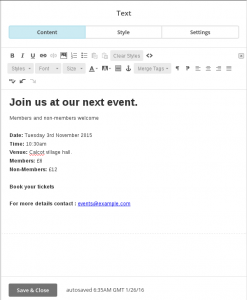
Here’s the updated campaign body text with the email address linked.
Now when the email is read, clicking on the email address will open a new email.
If you wish to edit the link, double click on the email address to open the dialogue once more.


