Many web sites have documents which are available for download.
The DotNetNuke Documents module enables the management of documents available for download. Providing an easy to use management interface for the selection of documents, ownership and logging.
The module is added to the web page, by selecting it from the list of modules at the top of the page, together with which named area on the page it is to be presented.

Shown above is the documents module on a page. Once the module is on on the page adding and administering the documents available for download is easy.
To add a new document available for download position the mouse over the pencil editing marker for the documents module ad select Add New Document.
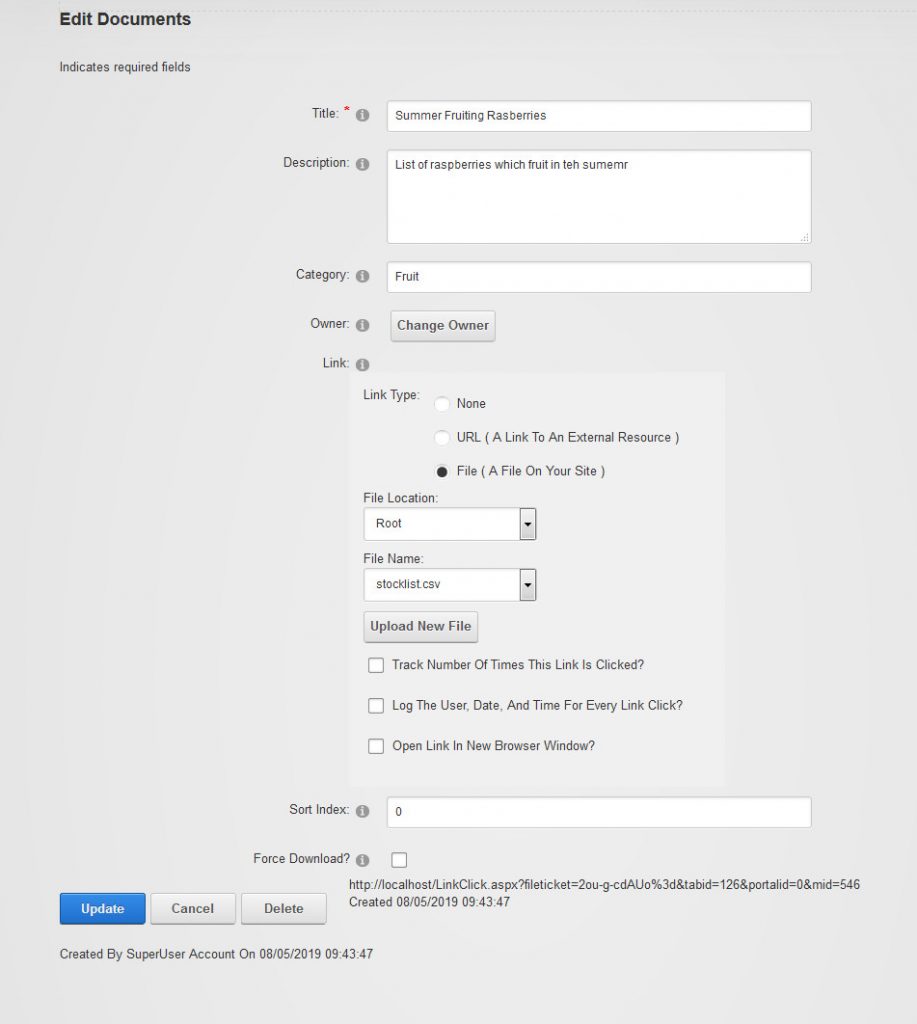
We are able to assign a title for our download document. Also we can specify whether the document details relate to a page (URL) or a file on the web site.
Documents to be made available for download from the document module can be added to the site through the file manager under the admin menu.
You may be interested in the option which logs the downloads of a document. For a busy site this information may be overshadowed by the increase in the database size and associated decrease in responsiveness.


