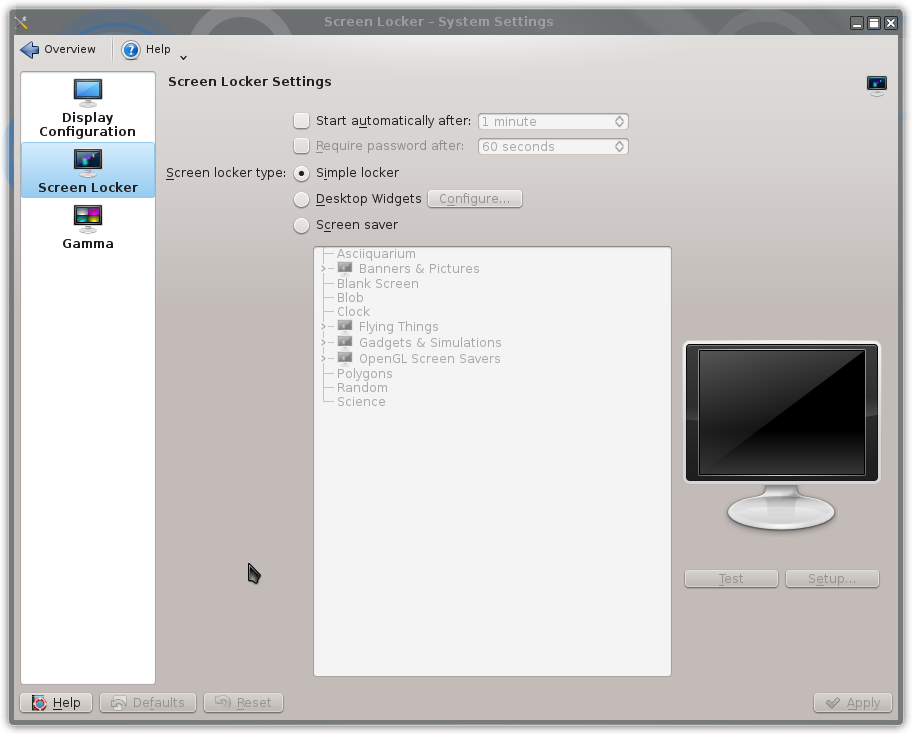
The KDE desktop was timing out and reverting to a blank screen.
Over Christmas I wished to run a series of holiday photos as the KDE desktop background.
The KDE desktop was timing out and changing to a blank screen, as a screensaver.
As the aim was to show a series of holiday pictures to the relations visiting for Christmas I wanted to stop the screensaver action.
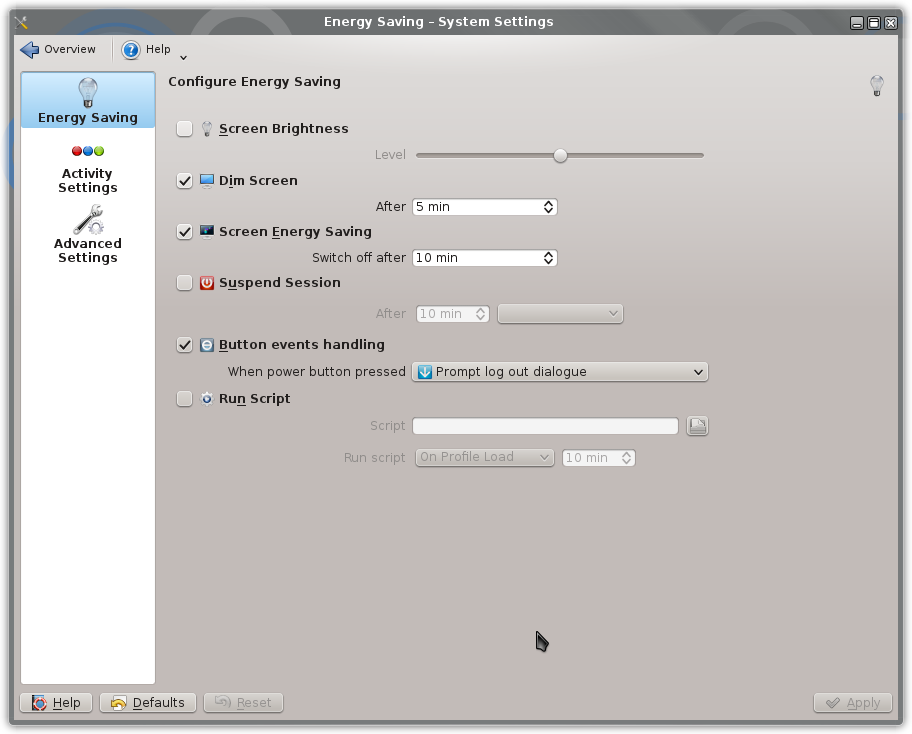
Changing the KDE System Settings stopped the screen from blanking and kept the slide show running.
Open the System Settings, usually shown as one of the favourites options from the KDE menu.

Under System Settings select the Power Management
Also on the Screen Locker tab of the Display and Monitor settings I ensured that the screen locker type was set to Simple locker and the checkboxes to set the screen locker time unchecked.